
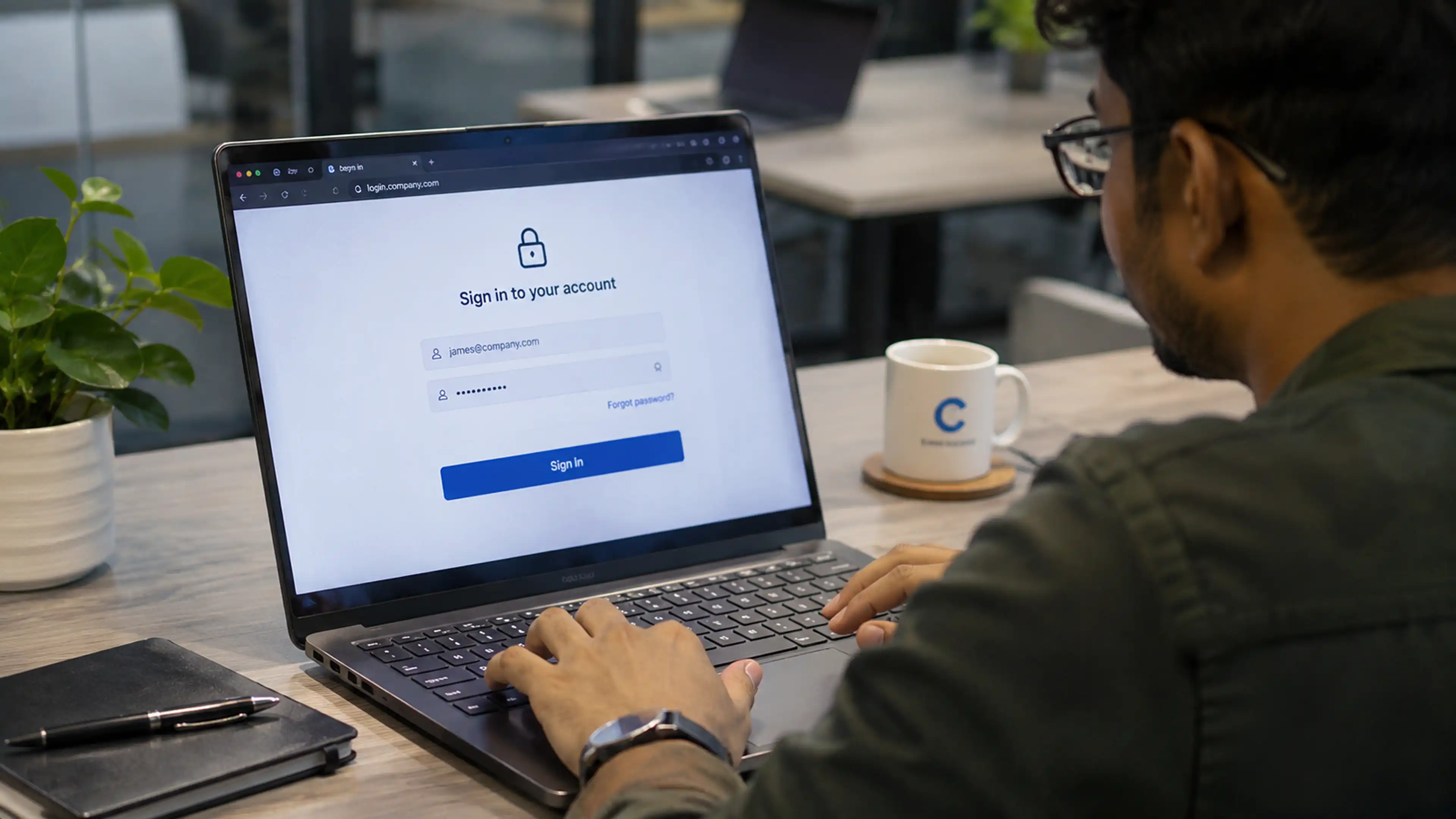
Prevent Account Takeover With Passwordless, Phishing-Resistant Access

Completely replace application passwords with PKI certificates, combine access with Zaperon Verify’s 15+ real-time user and device factors, and continuously validate trust
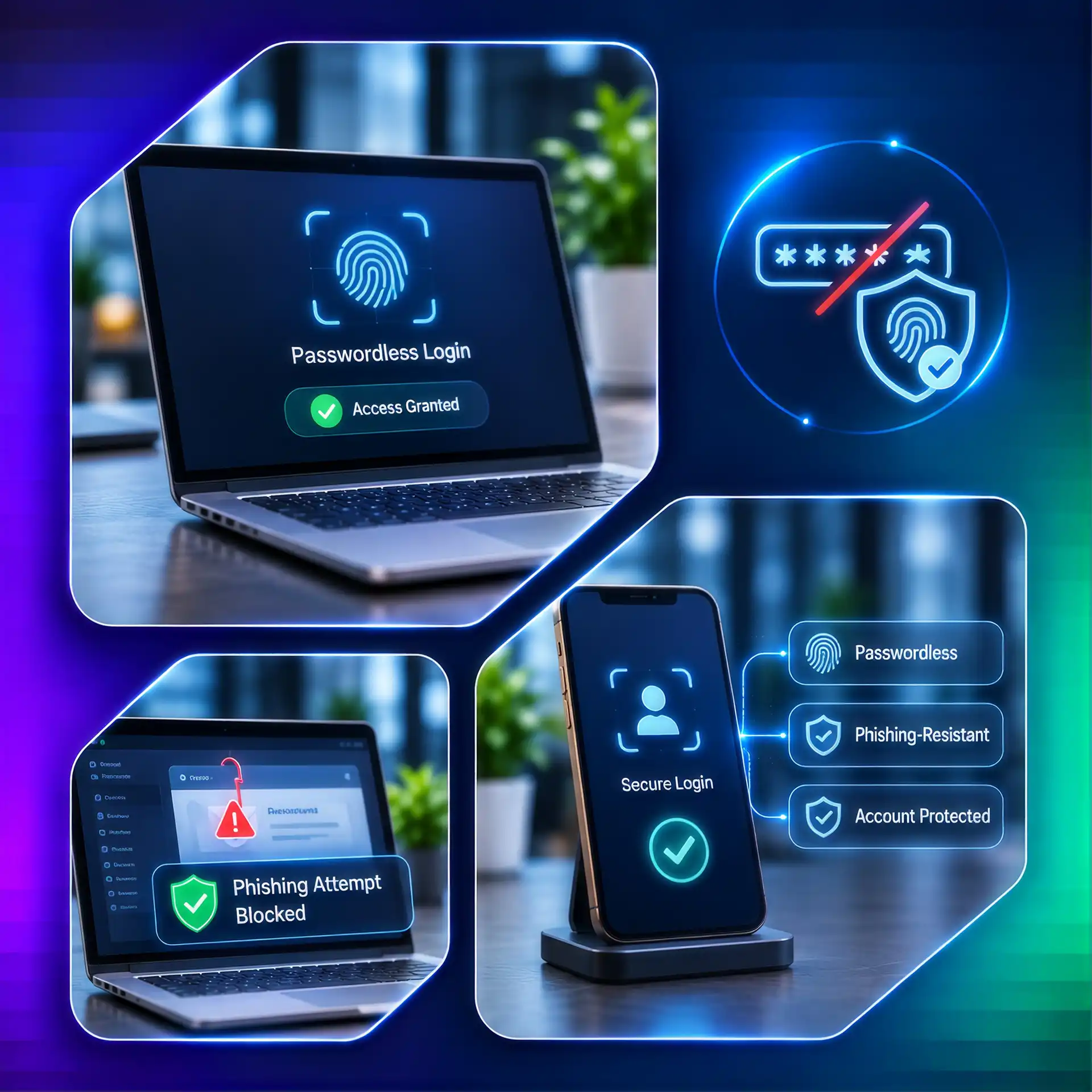
Phishing-resistant identity verification and passwordless access protection
Challenges

Passwords remain an entry point for attackers

Passwords create a reusable credential that attackers can steal through phishing. Generic third-party MFA apps often rely on a narrower sign-in challenge and may miss real-time user and device risk. Zaperon removes the application password and makes every access decision depend on cryptographic identity and contextual assurance
Reusable credentials
Stolen passwords can be replayed against business applications
Basic MFA blind spots
A third-party MFA prompt alone may miss device and identity context
Untrusted access
Compromised users or devices can undermine traditional login assurance
Capabilities

How Zaperon stops account takeover

Four connected security controls bring visibility, authorization, enforcement and auditability together.
Replace passwords completely with PKI certificates
Zaperon substitutes application passwords with PKI-based certificate authentication, making application access passwordless and significantly reducing credential-phishing risk
Use stronger Zaperon Verify MFA
Zaperon Verify evaluates 15+ factors—including user identity, device trust, behavior and access context—in real time before granting access, strengthening protection without interrupting productivity
Bind access to the right user and device
Validate cryptographic identity, authorized device assignment and posture before permitting application access
Continuously reassess session trust
Reevaluate contextual signals and revoke sessions when behavior or device posture no longer meets policy
How It Works

From PKI Enrollment to Continuous Verification

01
Enroll the user and assigned device; provision PKI-based credentials that replace application passwords
02
Assign least-privilege application permissions based on the user’s role and device
03
Evaluate 15+ real-time signals through Zaperon Verify before access is granted
04
Continuously verify user and device context and terminate access if trust changes
Real-World Scenario

A stolen password cannot unlock the application

An attacker captures an employee’s old password through a phishing page. Because Zaperon-protected application access uses a PKI certificate instead of that password, the stolen secret cannot authenticate the attacker. Zaperon Verify also checks 15+ contextual factors before granting access

01
Replace: Use a PKI certificate instead of the application password
02
Verify: Evaluate user and device context through Zaperon Verify's 15+ factors
03
Protect: Deny access when identity or device trust requirements fail
Business Outcomes

Make Stolen Credentials Ineffective

Enable secure BYOD access for assigned employees and contractors across desktops and mobile devices
Enforce application-by-application BYOD permission and desktop/mobile access policies
Reduce data exfiltration risk while isolating enterprise data from users’ personal information
What's New

Related Insights & Resources

Frequently Asked Questions

Still have a questions?
Can't find the answer to your question? Send us an email and we'll get back to you as soon as possible.

Request a Demo

How does Zaperon prevent password phishing?
Zaperon completely replaces passwords for application access with PKI certificates. A password stolen through phishing is therefore not a usable sign-in credential for Zaperon-protected applications
How is Zaperon Verify different from third-party MFA apps?
Zaperon Verify evaluates 15+ factors related to cryptographic identity, user behavior, device trust and access context in real time. This delivers stronger assurance without making users complete repetitive sign-in steps

Take Control of Your
Security in the AI Era

Book a Demo