
Secure Remote Work Without Expanding the Attack Surface

Give authorized users access to the apps and infrastructure they need using identity-aware policies, device trust and phishing-resistant authentication
Secure remote access to enterprise applications and infrastructure from distributed workplaces
Challenges

Remote work expands the access surface

Hybrid work has dissolved the old network perimeter. Employees access SaaS applications, private systems and cloud infrastructure from different locations and devices. Legacy perimeter controls do not provide consistent user-level authorization for every resource
Unmanaged device risk
Remote users may connect from devices that fail corporate trust requirements
Infrastructure exposure
SSH and RDP servers require narrowly controlled access
Inconsistent policies
SaaS and on-premises applications need the same identity-aware authorization
Capabilities

How Zaperon secures remote access

Four connected security controls bring visibility, authorization, enforcement and auditability together.
Use identity-centric Zero Trust access
Grant access based on user, role, device posture and explicitly assigned resources
Simplify sign-in with passwordless SSO
Use certificate-based authentication and strong MFA to reduce friction while limiting credential theft risk
Cover SaaS and private applications
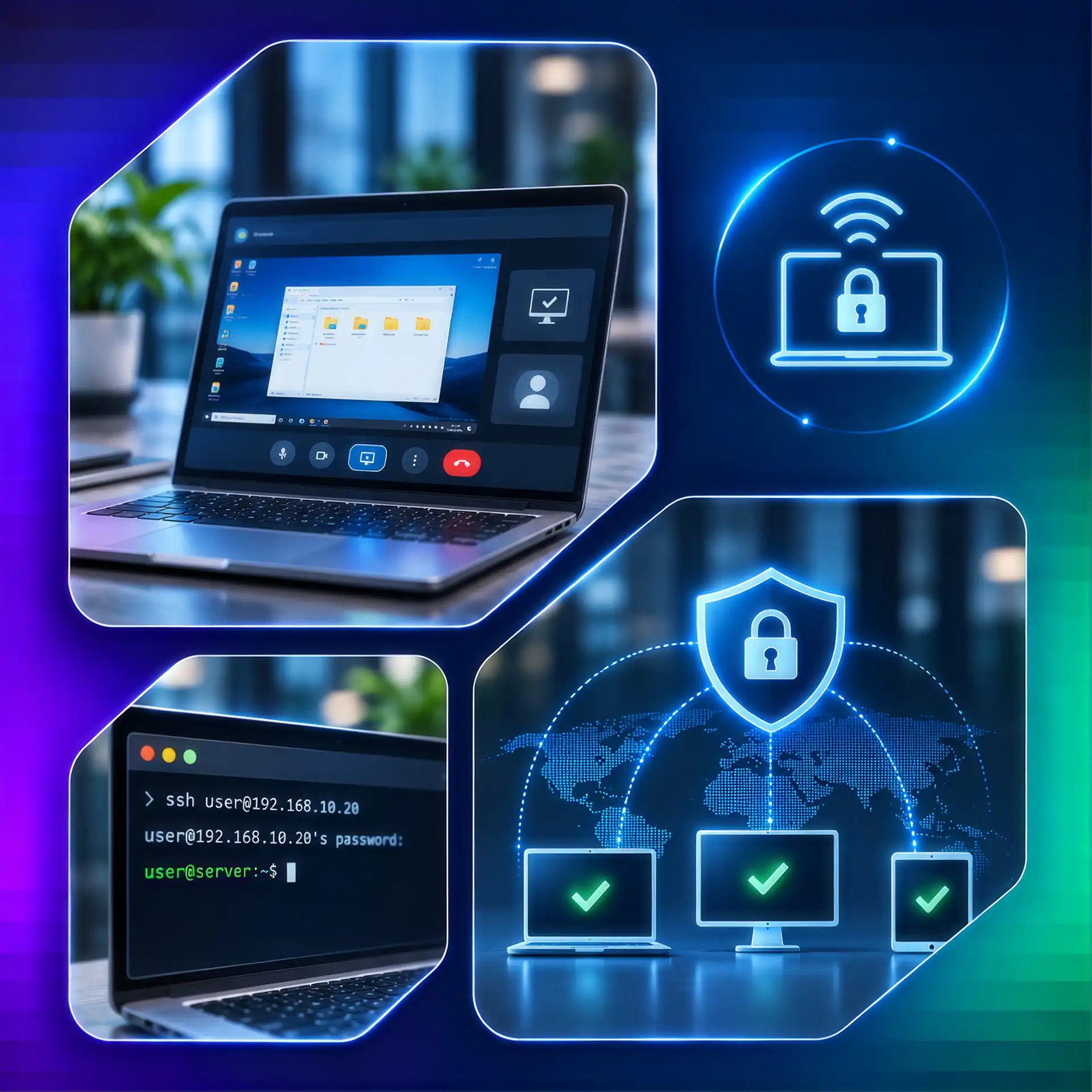
Enforce access policies for SaaS applications, on-premises systems, cloud infrastructure and remote servers accessed through SSH/RDP
Continuously verify the session
Review device and contextual signals and terminate sessions when policies are violated
How It Works

Verify Identity and Devices Before Granting Access

01
Identify applications and remote users that need protected access
02
Define user groups, resource entitlements and device posture rules
03
Roll out Zaperon application access with passwordless and MFA policies
04
Monitor access events and restrict sessions when trust changes
Real-World Scenario

A contractor accesses an internal server remotely

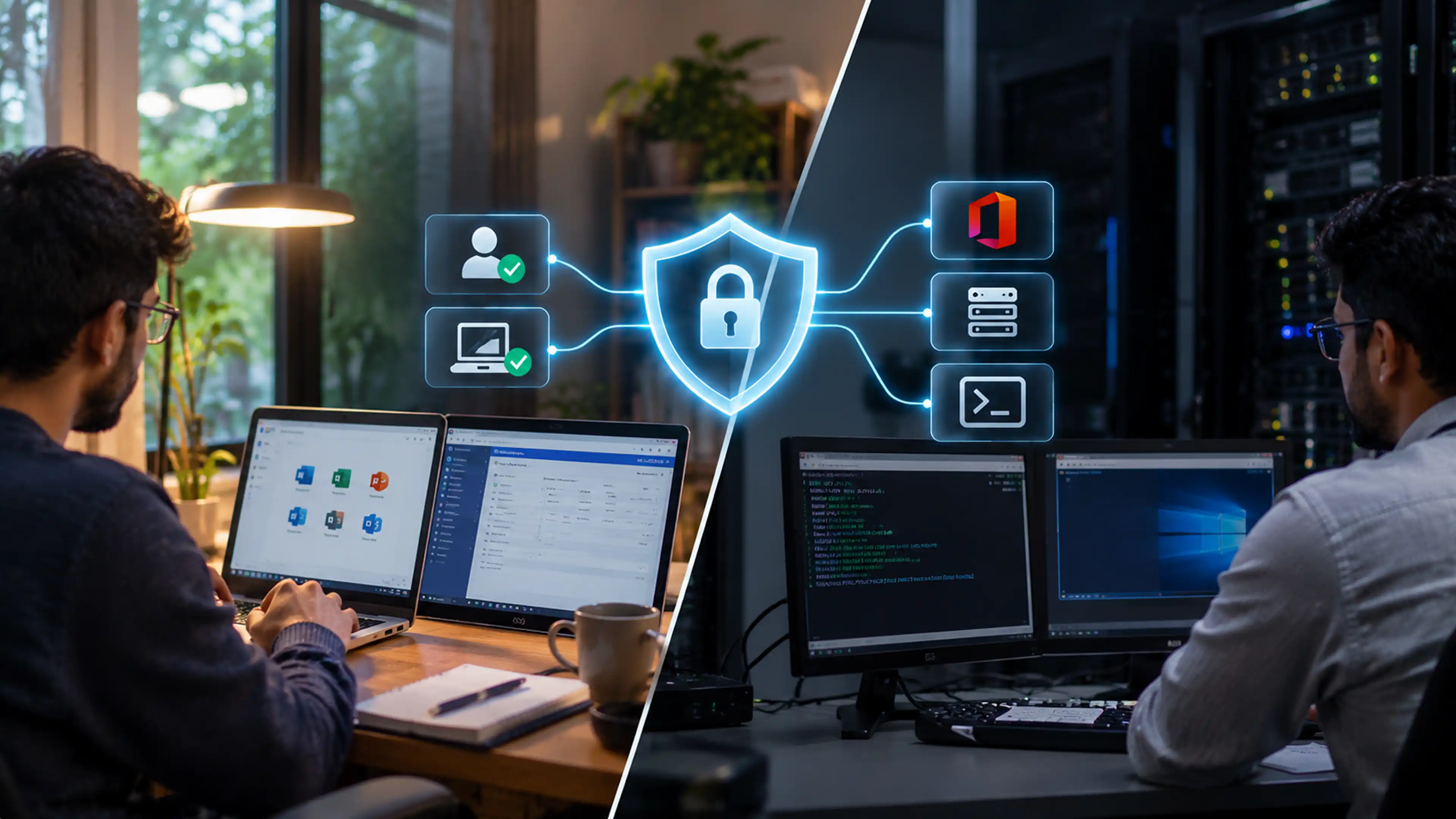
A hybrid employee works from home and opens Microsoft 365 and an internal application, while an authorized IT administrator accesses a remote server through SSH/RDP. Zaperon checks each user’s identity and device posture, permits only assigned resources and continuously evaluates trust

01
Identify: Verify the employee or contractor and assigned device
02
Authorize: Grant only the required SaaS, on-premises or SSH/RDP access
03
Review: Maintain visibility over access attempts and policy decisions
Business Outcomes

Enable Secure Work Without Broad Network Exposure

Enable secure BYOD access for assigned employees and contractors across desktops and mobile devices
Enforce application-by-application BYOD permission and desktop/mobile access policies
Reduce data exfiltration risk while isolating enterprise data from users’ personal information
What's New

Related Insights & Resources

Frequently Asked Questions

Still have a questions?
Can't find the answer to your question? Send us an email and we'll get back to you as soon as possible.

Request a Demo

Does secure remote access include SSH and RDP servers?
Yes. Zaperon provides identity- and device- aware access to remote servers using SSH and RDP alongside SaaS and on-premises applications.
Can employees and contractors follow different access policies?
Yes. Admins assign least-privilege access using user identity, group, application, device posture and trust policies for each population.

Take Control of Your
Security in the AI Era

Book a Demo