
Secure BYOD Access Without Exposing Enterprise Data

Enable secure work on personal desktops and mobile devices using Zaperon Client. Grant access only to BYOD devices assigned to the right users, apply app-specific policies, and protect enterprise data inside a secure container without intruding on personal information
Secure access to business applications from personal laptops and mobile devices
Challenges

Prevent Data Risks in BYOD Environments

Employees and contractors need access to corporate SaaS and on-premises applications from personal laptops and phones. But an authenticated user on an unassigned or insecure device can still introduce data exposure. Enterprises need to decide which applications permit BYOD access, verify the user and device, and isolate company information without compromising personal privacy.
Unassigned devices
A personal device must be linked to the user before access is provisioned
Application permissions
Administrators need per-app BYOD decisions for desktop and mobile devices
Data and privacy
Enterprise information must remain protected without intruding on personal data
Capabilities

How Zaperon secures BYOD access

Four connected security controls bring visibility, authorization, enforcement and auditability together.
Protect access across major operating systems
Zaperon Client provides access restrictions for devices running Windows, Mac, Linux, Android and iOS, enabling one consistent approach to personal desktop and mobile devices
Enforce app-specific BYOD access and device assignment
In the Zaperon admin console, admins decide whether BYOD is permitted for each application and whether access is allowed from desktop or mobile devices. A BYOD device must be assigned to its user before access can be provisioned on that device to any Zaperon-integrated application
Require Zaperon Client and protect enterprise data
Block access to integrated SaaS and on-premises applications when Zaperon Client is absent or the device has not been assigned. Manage enterprise information in a secure Zaperon container on the personal device, separating work data from private user information
Restrict data exfiltration and personal account usage
Use Zaperon Client to restrict enterprise data exfiltration, including on mobile devices. On devices running the Client, administrators can also prevent personal-account logins according to corporate policy
How It Works

Assign Devices, Apply App Policies and Protect Work Data

01
Install Zaperon Client on an eligible personal desktop or mobile device running Windows, Mac, Linux, Android or iOS
02
Assign the BYOD device to the intended employee or contractor before granting access
03
For each SaaS or on-premises application, configure whether BYOD access is allowed and whether desktop, mobile or both device types may connect
04
Authorize access only when Zaperon Client is present, the device is assigned to the user, and the relevant application and device-type policies are satisfied; protect enterprise data within the Zaperon container
Real-World Scenario

Employees and contractors work from personal devices

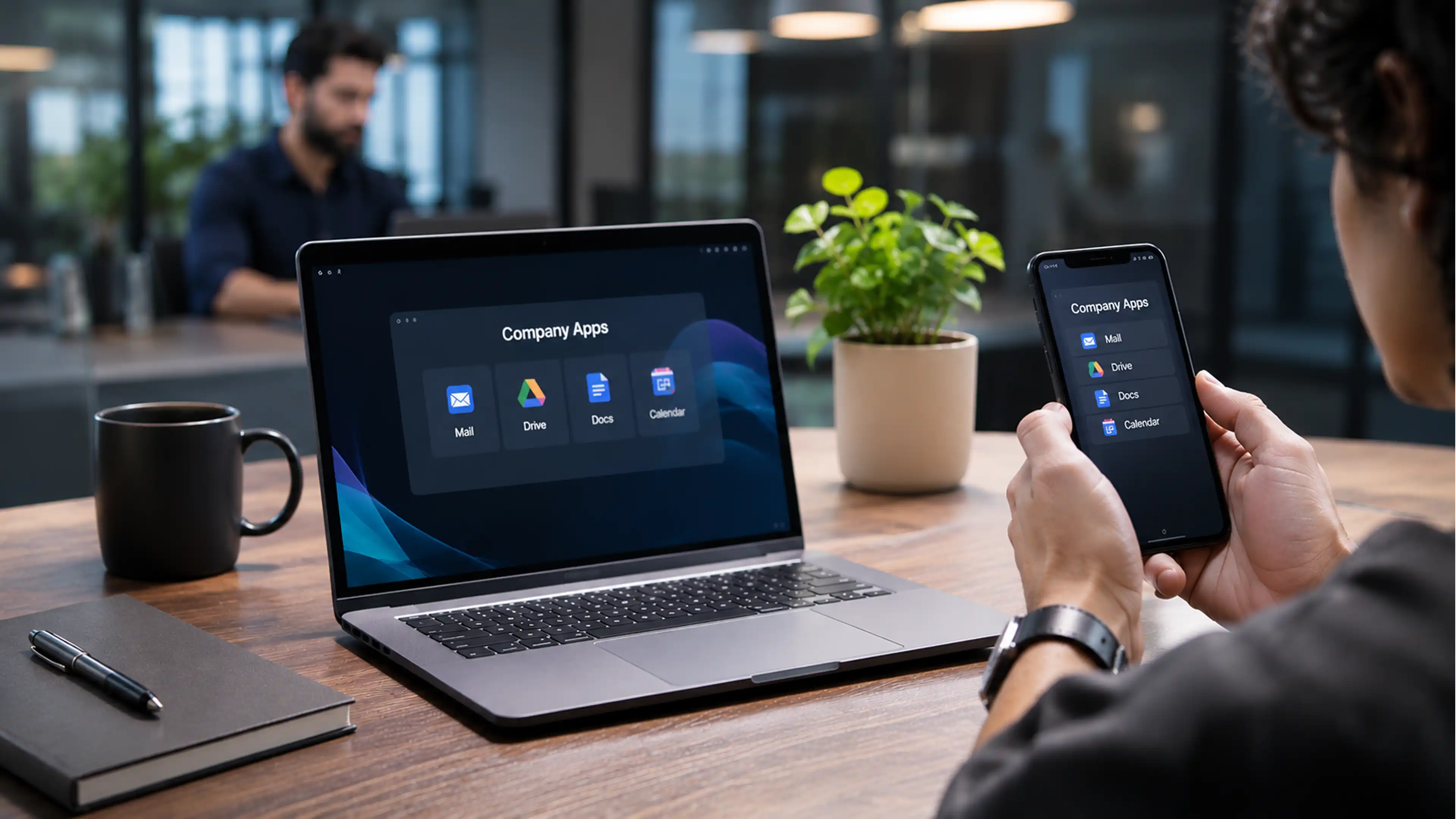
A contractor needs to use a company SaaS application from a personal laptop, while an employee needs access from a personal phone. The administrator permits BYOD for that application, selects the appropriate desktop and mobile device types, and assigns each device to its user. Zaperon Client enforces access and protects company data in a secure container. An unassigned laptop or phone without the Client cannot gain access to integrated applications, even if someone has valid user credentials.

01
Assign: Associate the personal desktop or mobile device with its user
02
Authorize: Permit BYOD per application and desktop/mobile device type
03
Isolate: Keep enterprise data in a secure Zaperon container
Business Outcomes

Enable BYOD Without Compromising Privacy

Enable secure BYOD access for assigned employees and contractors across desktops and mobile devices
Enforce application-by-application BYOD permission and desktop/mobile access policies
Reduce data exfiltration risk while isolating enterprise data from users’ personal information
What's New

Related Insights & Resources

Frequently Asked Questions

Still have a questions?
Can't find the answer to your question? Send us an email and we'll get back to you as soon as possible.

Request a Demo

How does Zaperon protect employee privacy on personal devices?
Enterprise data is managed within a secure Zaperon container environment on the device. This separates corporate information and controls from personal user data, helping organizations secure BYOD access without intruding on employee privacy
Can Zaperon restrict data exfiltration from mobile BYOD devices?
Yes. Zaperon Client applies enterprise data-protection controls on mobile devices as well as desktops, restricting unauthorized movement of company information according to configured policies
Can an unassigned BYOD device access an application or use a personal account?
No. A BYOD device must be assigned to its user, and Zaperon Client must be present, before access can be provisioned to integrated applications. Admins decide which applications permit BYOD and whether desktops or mobiles may connect. On Client-managed devices, Zaperon can also prevent personal-account logins.

Take Control of Your
Security in the AI Era

Book a Demo